Follows your cursor
His eyes track your mouse as it moves around the screen.
Mellow is a desktop companion for Windows. Ask him a question out loud and he answers by voice, shows you where to click, writes into any text field and takes notes in your meetings.
Free and open source. Windows 10 and 11.
Bring your own key, or run it all locally.
Press and hold Ctrl + Shift + Space, speak, and release. Mellow answers out loud. He can also open apps and websites, play media and adjust the volume of a single app.
Try it here: press Ctrl + Shift + Space, or tap the keys.
Between tasks, Mellow lives on your desktop. He reacts to your cursor, enjoys attention and has a few habits of his own.
His eyes track your mouse as it moves around the screen.
Move your cursor over his head and he responds with hearts.
Move the cursor quickly and he chases it across the screen.
Drag him around too roughly and he lets you know.
When you need the space, he tucks into the edge of the screen and peeks out.
Now and then he takes a moment to stretch and yawn.
When you cannot find a setting or a button, ask Mellow. He looks at the window you are using, moves his bone pointer to the control and explains what it does.
Hold Ctrl + Shift + Space and ask your question in your own words.
Mellow takes a single look at the active window, and only because you asked.
The pointer stays on the control until he finishes explaining.
Hold Ctrl + Shift + Space and ask your question in your own words.
Mellow takes a single look at the active window, and only because you asked.
The pointer stays on the control until he finishes explaining.
Pointing is a guide. Very small icons or crowded layouts can reduce its accuracy.
Screen-aware writing turns your voice into text in any application. Place your cursor in a text field, hold Ctrl + Shift + Space and say what you want written. Mellow types it where your cursor is. It works in documents, email, chat apps and terminals, and you can turn it on in Settings under Screen-aware writing.
Speak the words you want and they are typed exactly as you said them.
Say what the text should say, such as "a reply saying I'll be twenty minutes late", and Mellow writes it for you. When the request depends on what is on screen, like the email you are answering, he reads it first.
Not quite right? Ask again before you edit the text and Mellow rewrites what he wrote instead of starting over.
You say: “Reply saying I'll be twenty minutes late”
Mellow is writing...
Mellow includes a Pomodoro timer and reminders, so the tools that keep your day on track sit on your desktop instead of in another app. Both work in every engine mode, including Just the pet.
Work in focused rounds with short breaks in between. Set the focus length from 5 to 60 minutes, the break from 1 to 30 minutes, and up to 8 rounds. The default is four 25 minute rounds with 5 minute breaks. The countdown floats above Mellow, and he lets you know when it is time to take a break or get back to work.
Set a reminder for a specific time, once or every day, such as drinking water, stretching or returning a call. When it is due, Mellow says it out loud and shows it in a speech bubble. Reminders are saved, so they still arrive after a restart.
Start either one from Mellow's menu, or just ask: "Start a focus timer" or "Remind me at 3 to call Sam".
Start a transcription and Mellow puts on his glasses and writes while you take part in the conversation. When the meeting ends, you get the full transcript and a structured set of notes.
Mellow transcribes your microphone and the meeting audio together, either on your computer or with your speech provider.
Your side is labelled You. Remote voices can be separated into Speaker 1, Speaker 2 and so on, and renamed afterwards. This feature is experimental and off by default.
The engine you chose writes an overview, key topics, decisions, action items and open questions.
Save the transcript or the notes as Markdown, plain text or JSON, or copy them to the clipboard.
With memory turned on, Mellow keeps a short summary of what you have told him, such as your name, your work or your preferences, and uses it to give more relevant answers.
Say "Remember that I'm allergic to peanuts" and it is used from the next answer onwards.
After a conversation ends, Mellow saves the lasting details you mentioned along the way.
The full summary is in Settings. You can change or delete any line, or turn memory off entirely.
You are writing a thesis on multimodal agents, and your defense is in May.
You are vegan and allergic to peanuts.
Short answers with the steps first.
Just told Mellow: I'm allergic to peanutsAlready used in answers, added to the summary shortly.
Choose a coat that suits your wallpaper. Pick one of the presets or set the fur, patch and blush colours yourself. The shading adjusts automatically so his face stays clear.

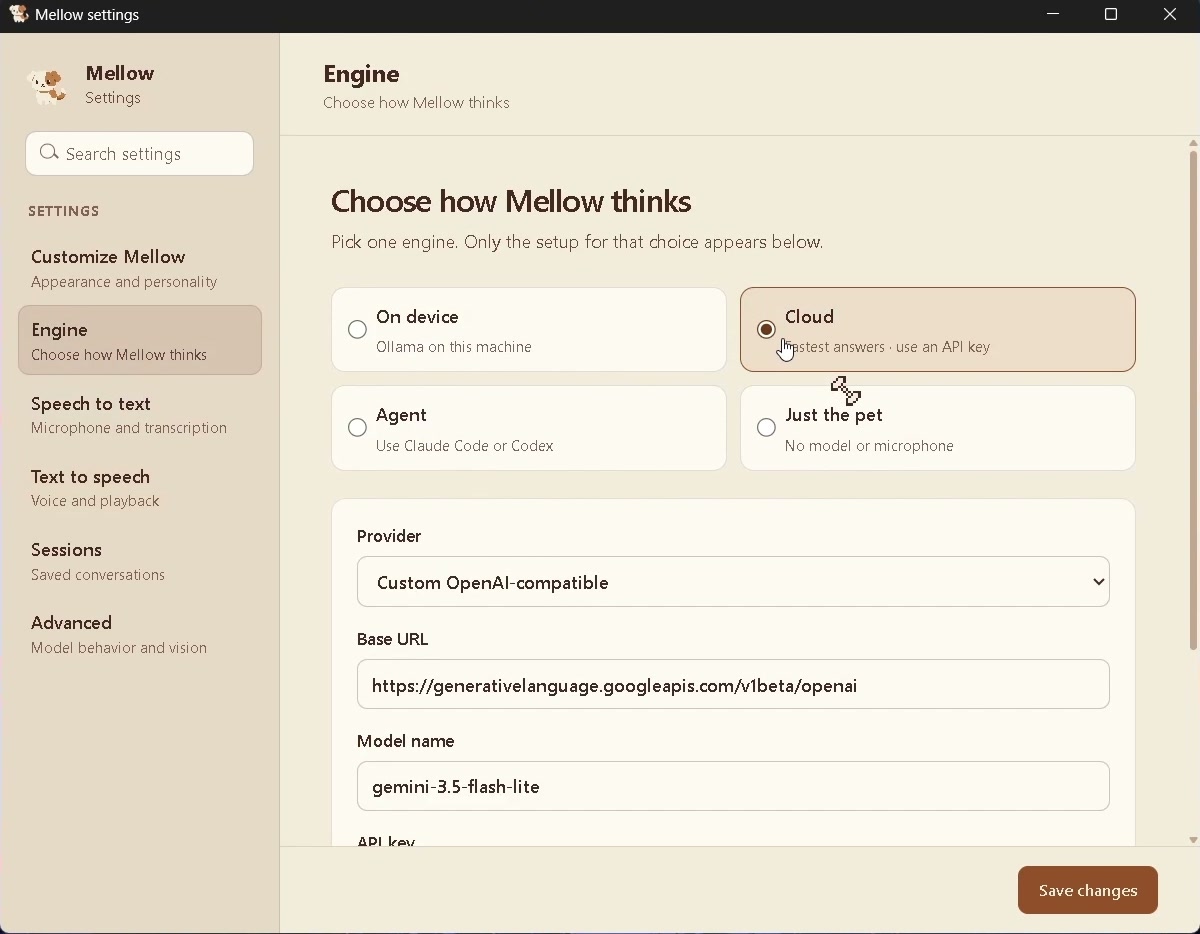
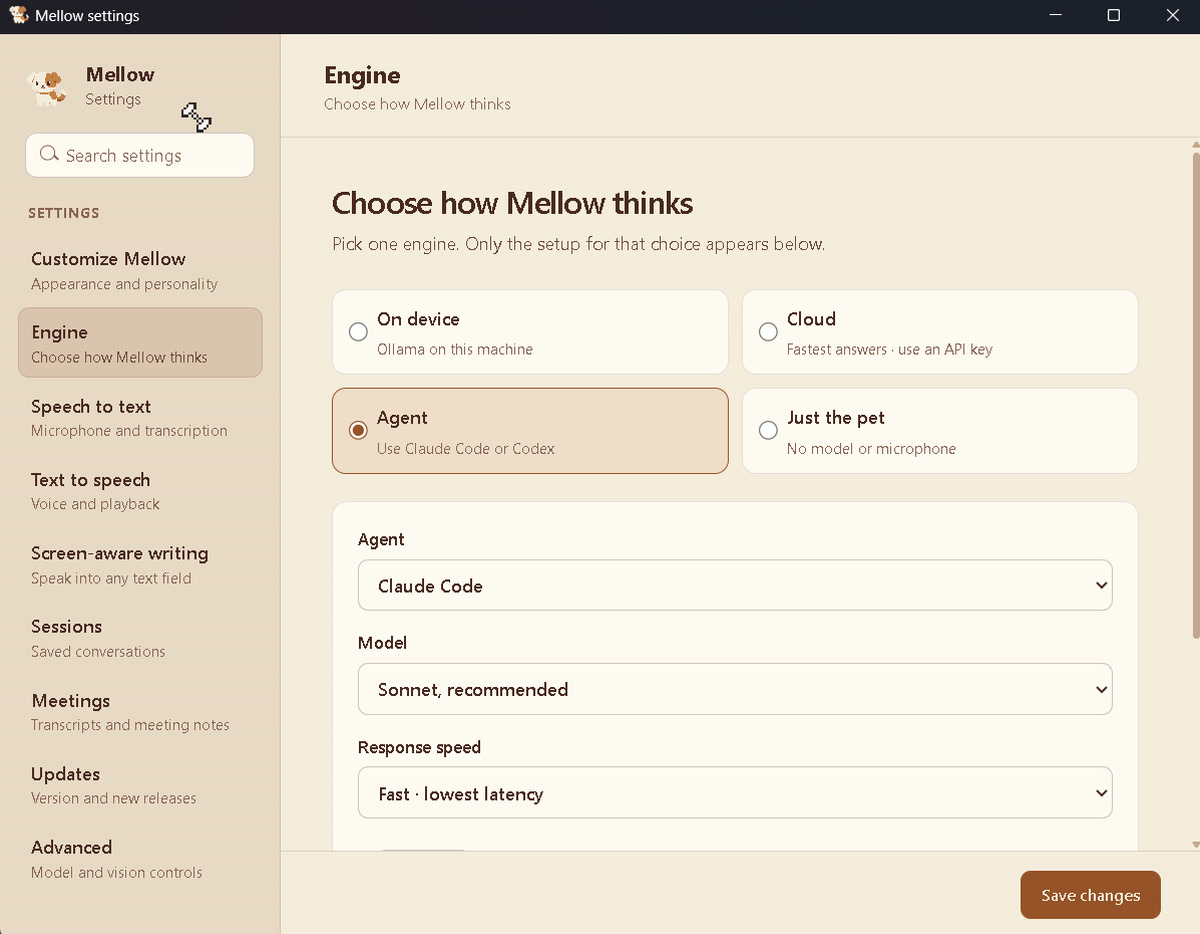
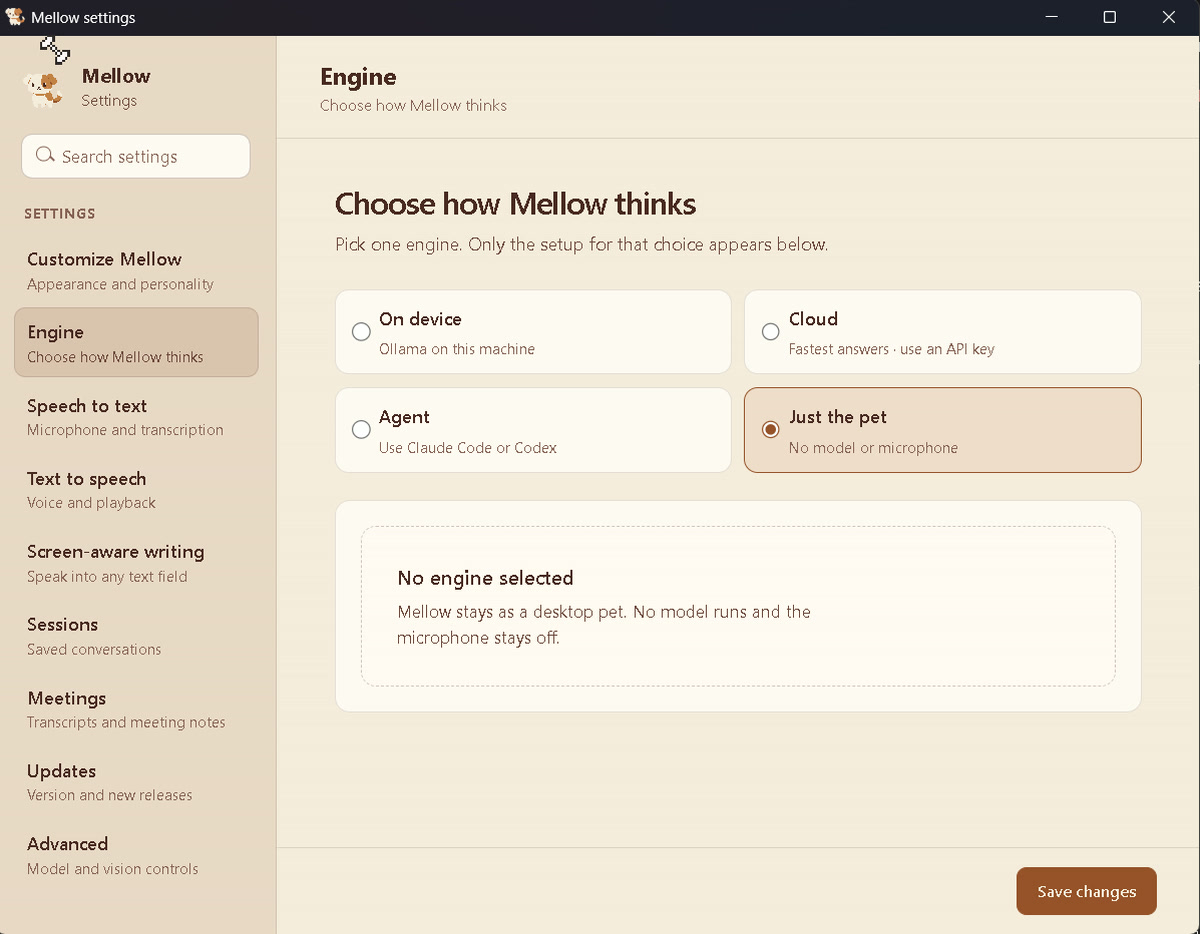
Mellow can run entirely on your computer, use a cloud provider, use an AI subscription you already have, or run with no AI at all. You choose during setup and can change it at any time in Settings.
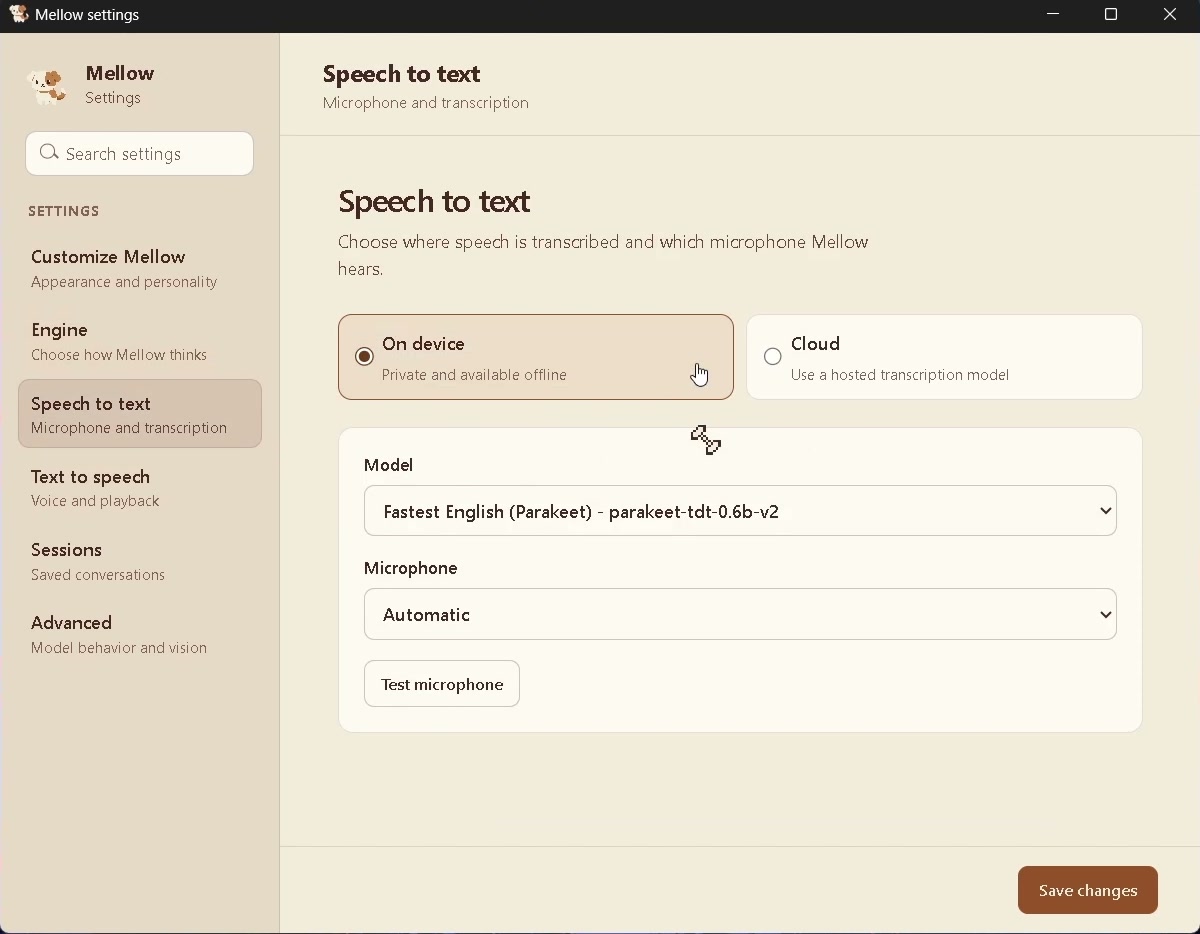
Answers come from any model you run with Ollama. Speech recognition uses Parakeet or Whisper and the voice uses Kokoro. No API key is needed and nothing leaves your machine.
The local speech models are about 1 GB in total and are downloaded once.
Mellow looks at your screen only when a question needs it. Nothing is recorded in the background, and screen reading can be turned off.
Meetings keep transcripts and notes, never recordings. Speaker labelling runs on your computer and forgets voices when the meeting ends.
Provider keys are stored in Mellow's settings on your machine and are never displayed in full.
The complete source code is on GitHub under the Apache-2.0 license, so you can read it, build it and modify it.
Free and open source, for Windows 10 and 11.